
 Share
Share


Selecting between MetaTrader 4 (MT4) and MetaTrader 5 (MT5) is a foundational decision for traders building an automated forex workflow. While both platforms dominate retail algorithmic trading, they rely on distinct programming architecture, order execution rules, and asset support mechanisms that significantly impact automated strategy performance.
Platforms like AlgoBot serve as an intelligent bridge connecting signal logic to both MT4 and MT5 instances, enabling seamless order routing across major forex brokers. Understanding the operational differences between MQL4 and MQL5 environments ensures that automated systems achieve low latency and precise trade management.
Whether deploying legacy Expert Advisors or modern multi-asset strategies, choosing the right platform depends on your broker’s infrastructure, backtesting requirements, and desired market access. Evaluating these technical factors allows traders to construct a reliable, automated execution stack.
Key Takeaways
- MetaTrader 4 remains the retail forex benchmark due to its lightweight code base, vast EA ecosystem, and widespread broker support.
- MetaTrader 5 provides a 64-bit multi-threaded architecture with native multi-asset execution across stocks, futures, crypto, and forex.
- MT5 features a superior strategy tester capable of multi-currency backtesting using real tick data, whereas MT4 relies on single-currency simulated ticks.
- Connecting automated tools like AlgoBot requires verifying broker-specific symbol suffixes, lot size limits, and execution filling modes.
- Using a dedicated Virtual Private Server (VPS) ensures that both MT4 and MT5 automated setups run continuously without local network interruptions.
Why MetaTrader Still Matters
MT4 and MT5 remain two of the most widely used platforms in retail forex. Many brokers support them, many traders understand them, and many automation tools are built around them.
Their enduring popularity stems from unmatched reliability, deep broker integration, and vast global infrastructure built over decades. Whether through custom Expert Advisors (EAs) or external bridge tools, MetaTrader provides a robust backend for routing automated trade instructions smoothly.
Furthermore, MetaTrader’s lightweight interface allows automated programs to execute order modifications with minimal system overhead. This long-standing stability provides a proven environment for signal execution, order management, and real-time account tracking.

MT4 in Simple Terms
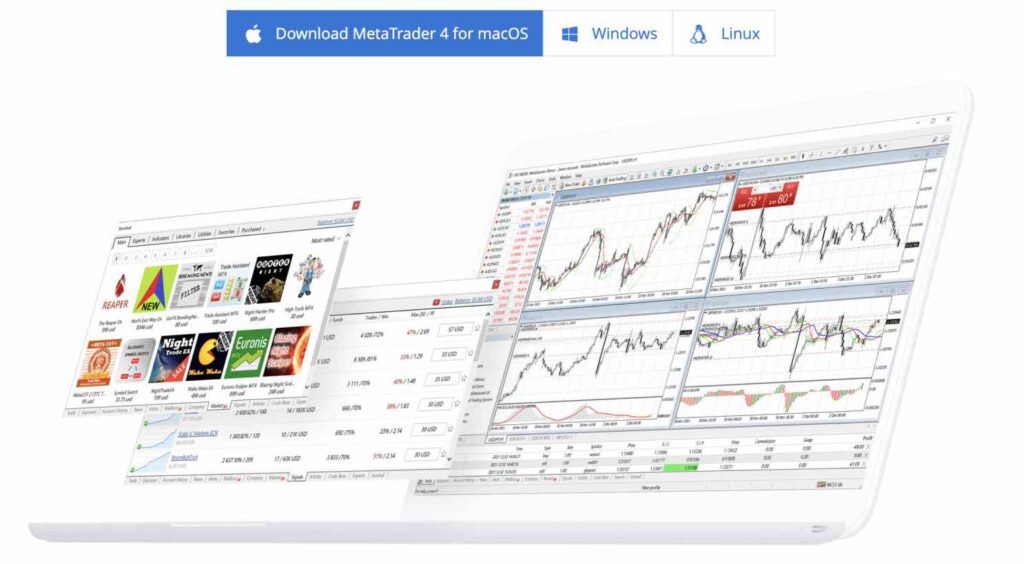
MT4 is known for forex trading, expert advisors, custom indicators, and a huge legacy ecosystem. Traders who only need forex and a familiar automation environment often still choose MT4.
Its lightweight architecture requires minimal processing power, making it exceptionally lightweight to run on Virtual Private Servers (VPS). For pure currency trading setups, its straightforward layout and widespread availability remain hard to beat.
However, MT4 operates on a 32-bit single-threaded architecture, which limits backtesting speed and restrict historical modeling to one instrument at a time. Despite these limitations, its massive library of pre-built scripts makes it a practical option for pure forex execution.
MT5 in Simple Terms
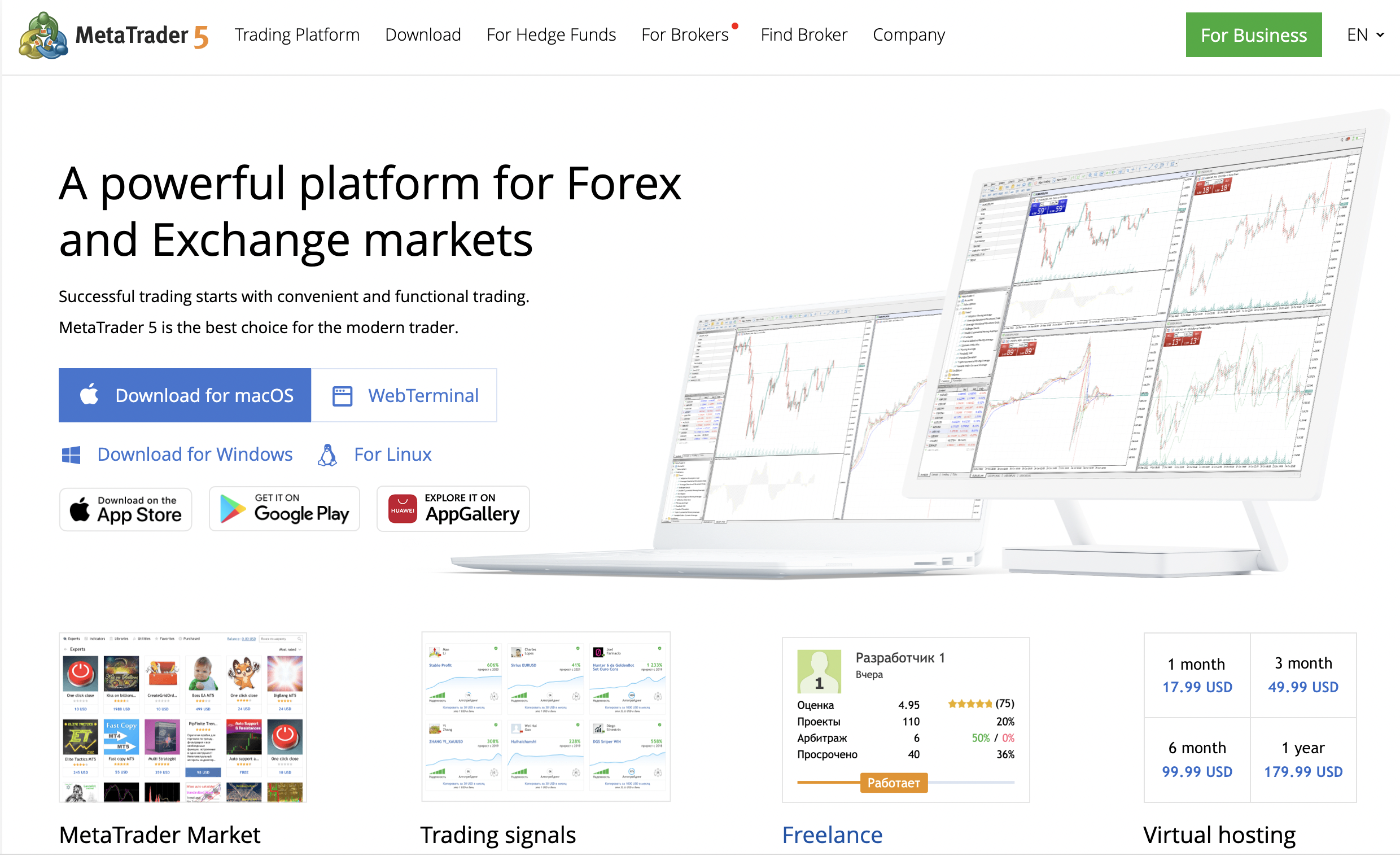
MT5 is newer and supports more asset classes, more order types, a deeper strategy tester, and improved performance. Traders who want multi-asset workflows may prefer MT5.
Built on a multi-threaded, 64-bit architecture, MT5 executes complex backtests significantly faster and handles true tick-data modeling with higher precision. It also offers built-in depth of market (DOM) and flexible order-filling policies suited for stocks, futures, and crypto alongside forex.
In addition, MT5 supports advanced pending order types, such as Buy Stop-Limit and Sell Stop-Limit, alongside flexible accounting modes like hedging and netting. This flexibility gives automated systems more granular control over position adjustments during dynamic market events.
Which Is Better for Automation?
MT5 has technical advantages, but MT4 has a larger legacy base. The best choice depends on broker support, connector compatibility, and whether the user needs multi-asset access or straightforward forex execution.
If your automated workflow relies on legacy scripts or a specific broker bridge designed exclusively for MQL4, MT4 is perfectly capable. However, for modern multi-asset strategies that require advanced backtesting and faster execution speeds, MT5 is the future-proof option.
Execution latency and broker server connectivity also play a crucial role in deciding between the two platforms. MT5 generally offers superior 64-bit memory management and faster API message handling, making it better suited for high-frequency order flows across multiple charts.
What to Check Before Connecting a Bot
Before connecting any bot, check symbol naming, lot size rules, minimum stop distances, VPS stability, and whether the broker allows the strategy style. A technically good setup can fail if execution settings are wrong.
Differences like suffix tags on currency pairs (e.g., EURUSD.a vs EURUSD) can break signal execution if misconfigured in your connector. Verifying execution modes and running a low-risk trial on a demo account ensures your automated orders match the target setup flawlessly.
It is equally important to inspect the broker’s leverage limits, margin call thresholds, and spread behavior during news announcements. Confirming these server-side rules in advance prevents unwanted order rejections or execution slippage when trading live.
How AlgoBot Users Should Think About It
AlgoBot users should choose the platform that gives the cleanest route between signal generation and execution. If the broker and connector are stable on MT4, that may be enough. If the user wants broader markets and modern testing features, MT5 may be more suitable.
Ultimately, MetaTrader serves as the reliable execution engine, while AlgoBot handles signal processing and disciplined risk parameters. Selecting the right version comes down to establishing a seamless connection where orders are routed with minimal latency and maximum stability.
Regardless of whether MT4 or MT5 is selected, AlgoBot enforces uniform risk boundaries and position management rules above the platform layer. This ensures consistent capital protection regardless of the underlying MetaTrader terminal version.
Practical Example
Consider a trader running an automated grid strategy across EUR/USD and Gold (XAU/USD). On MetaTrader 4, testing this multi-asset system requires running two separate backtests manually and combining the spreadsheet reports, as MT4 cannot model two instruments concurrently in a single test pass.
On MetaTrader 5, the trader can run a unified multi-currency backtest on 64-bit hardware, accurately accounting for tick-level spread variations and correlation dynamics between EUR/USD and Gold simultaneously. Orders are executed instantly using modern MQL5 execution protocols.
By leveraging MT5’s advanced testing suite alongside automated execution bridges, the trader gains actionable insight into portfolio drawdowns and portfolio balance curves before placing real money at risk on live broker servers.
Common Mistakes Beginners Make
- Attempting to run MQL4 Expert Advisors directly inside MetaTrader 5 without rewriting the code for the MQL5 framework.
- Ignoring broker-specific symbol suffixes (such as EURUSD.ecn), leading to failed order routing from external signal sources.
- Backtesting automated strategies in MT4 using default 90% modeling quality rather than sourcing high-accuracy tick data.
- Running live MetaTrader automation on home desktop computers subject to sudden operating system updates or power outages.
- Failing to adjust lot sizing parameters when switching between micro, mini, and standard broker account types.
How AlgoBot Can Fit Into the Workflow
AlgoBot integrates seamlessly with both MT4 and MT5 terminals, providing a versatile automated trading layer that converts high-probability signals into precise broker orders. By acting as the central intelligence engine, AlgoBot abstracts away complex coding requirements, allowing traders to execute rule-based strategies effortlessly.
For MT4 users, AlgoBot offers reliable, lightweight EA bridges that process incoming webhook signals instantly without lagging older 32-bit terminal instances. For MT5 users, AlgoBot unlocks multi-asset execution capabilities, routing complex signals across crypto, indices, and commodities effortlessly.
By combining MetaTrader’s proven terminal stability with AlgoBot’s risk parameters—such as automated stop-loss calculation, trailing stops, and global drawdown limits—traders achieve a robust, professional-grade trading setup tailored to their broker of choice.
Final Thoughts
MT4 vs MT5 for Automated Forex Trading is ultimately about structure. Traders do not need more random opinions; they need clear rules, consistent execution, and risk limits that protect them during bad conditions. Automation can help with that, especially when it is paired with education and realistic expectations.
For users comparing trading tools, the strongest platform is usually the one that makes disciplined behaviour easier: clear signals, sensible risk controls, transparent setup steps, and the ability to pause or adjust when conditions change. That is the standard beginners should use when evaluating AlgoBot or any other automated trading solution.
FAQs
Is MT5 always better than MT4?
No. MT5 is more modern, but MT4 may be simpler and better supported by some forex brokers and tools.
Can trading bots work on both?
Many bots and connectors support both, but compatibility should be checked before setup.
Do I need a VPS?
For always-on automation, a VPS can improve reliability because the platform does not depend on a home computer staying online.
Educational content only. Trading involves risk, and past or historical performance does not guarantee future results.