
 Share
Share


Using TradingView alerts as an execution trigger offers a flexible, highly customizable bridge between technical chart analysis and automated trade execution. While TradingView provides industry-leading charting tools and pine-script strategy logic, transforming simple alerts into reliable orders requires precise webhook syntax, strict message formatting, and disciplined risk management.
Platforms like AlgoBot serve as the vital execution infrastructure connecting TradingView alert triggers with leading brokers and exchanges. This guide details how to configure TradingView alerts for both manual and fully automated workflows, highlight key payload formatting requirements, and prevent common execution errors.
By understanding how webhook payloads transmit order parameters across the web, traders can eliminate emotional execution delays while enforcing strict stop-loss rules. Building a disciplined, alert-driven architecture ensures that strategy rules are executed consistently regardless of market volatility.
Key Takeaways
- TradingView alerts act as a powerful technical trigger layer that can transmit market signals directly to execution bridges via webhooks.
- Structuring alert messages with precise JSON syntax ensures downstream connectors parse order directions, lot sizes, and risk levels without errors.
- Configuring alert triggers to fire “Once Per Bar Close” prevents multiple unwanted entries caused by intraday price flickering.
- Manual alert notifications allow for human trade discretion, while automated webhook connections eliminate execution latency completely.
- AlgoBot simplifies TradingView integration by providing ready-to-use webhook processing, risk parameter enforcement, and automated order routing.
Why TradingView Alerts Matter
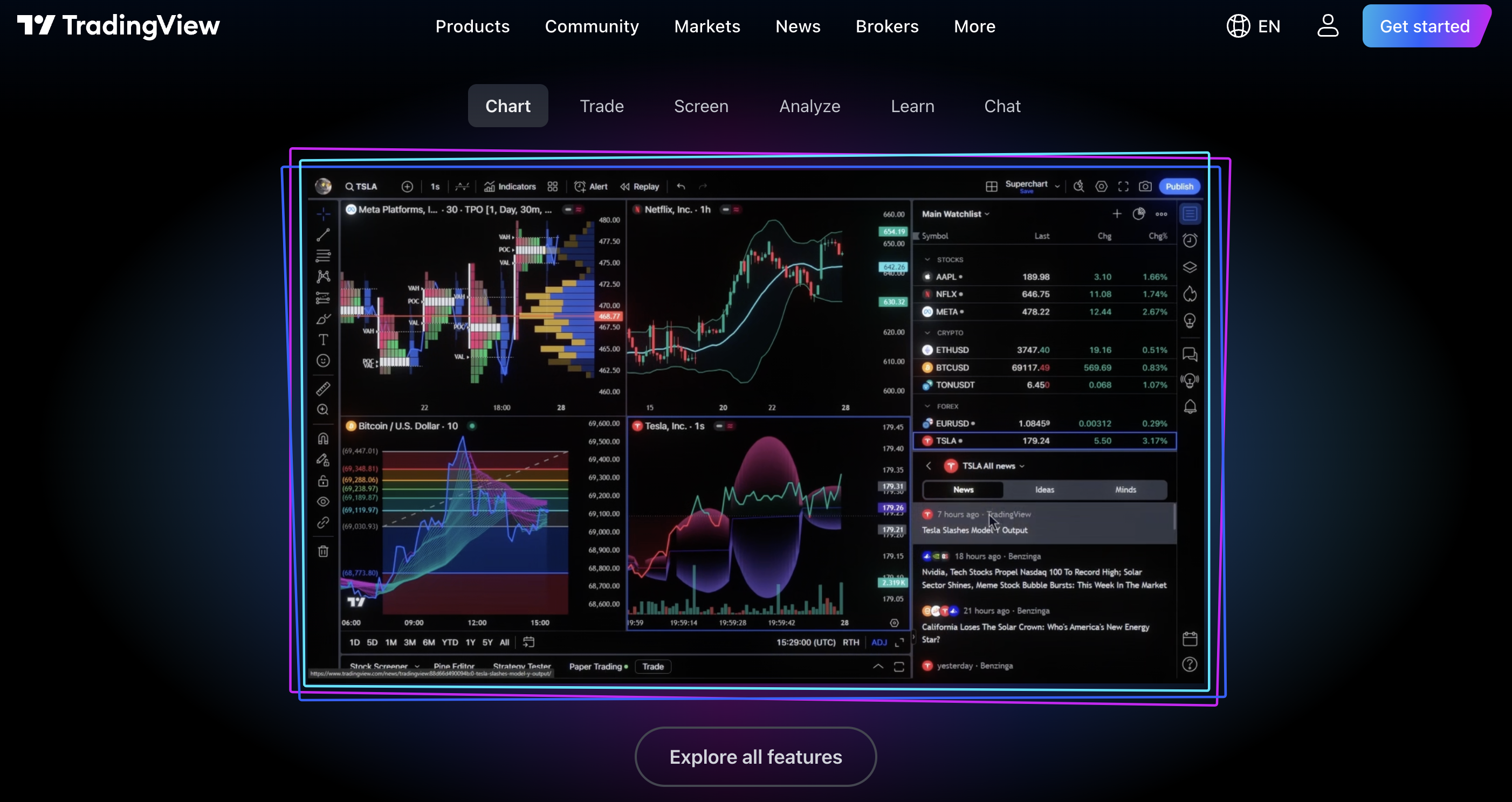
TradingView is popular because it combines charting, indicators, and alert logic in one place. An alert can notify a trader when price reaches a level, an indicator changes state, or a strategy condition appears. When connected to an execution route, alerts can become part of an automated trading workflow.
By acting as a centralized analysis hub, TradingView allows traders to construct complex multi-condition triggers without needing to write custom standalone software. It turns passive chart observation into an active, rule-based system capable of monitoring multiple asset classes simultaneously.
Furthermore, TradingView’s flexible Pine Script language allows custom indicators and strategies to generate conditional alerts based on complex quantitative logic. This allows traders to transform sophisticated chart patterns into automated, actionable execution instructions in real time.
What an Alert Can Include
A useful alert should include the symbol, direction, entry logic, stop loss, take-profit levels, and any risk notes. Vague alerts such as “buy now” are less helpful than structured messages that can be checked and routed consistently.
Formatting these messages in a standardized syntax (like JSON) allows downstream execution bridges to read the parameters flawlessly. Including explicit risk management instructions directly within the payload ensures that position sizes and exit parameters are locked in the moment the order triggers.
A robust alert payload can also specify dynamic risk parameters, such as account percentage allocations, specific ticket IDs, or trailing stop distances. Passing comprehensive order details in the initial alert string reduces API round-trips and guarantees precise order configuration at the broker level.
Manual Alert Workflow
In a manual workflow, the alert reaches Telegram, email, or a phone notification. The trader then checks the setup and places the order. This gives discretion but can introduce delay.
This hybrid approach allows traders to manually verify broader market context, such as upcoming economic news releases, before committing capital. However, it requires constant availability and can lead to missed setups or poor fills during rapid price swings.
For traders developing new strategies, manual alert workflows serve as an excellent intermediate testing phase. It enables hands-on validation of signal accuracy and chart conditions before handing over full execution control to automated bridges.

Automated Alert Workflow
In an automated workflow, the alert is sent to a connector or webhook endpoint. The connector translates the alert into an order instruction for the broker or exchange. This can reduce missed trades, but the message format must be precise.
Direct webhook execution eliminates human emotional hesitation and ensures orders are placed instantly at the intended price level. Because there is no human filter to catch typos or misconfigured conditions, absolute accuracy in your alert string is essential.
Once the webhook endpoint receives the HTTPS POST request from TradingView, it instantly authenticates the message payload and submits the order to the designated exchange API within milliseconds. This rapid execution pathway minimizes entry slippage on fast-moving momentum setups.
Common Mistakes to Avoid
The most common mistakes are using unclear alert text, failing to test webhook formatting, ignoring timeframes, and sending duplicate alerts. Every automated alert should be tested in demo mode before live capital is involved.
Additionally, traders often forget to account for rapid multi-indicator firing during high-volatility events, which can trigger unwanted multiple entries. Setting strict alert frequency rules (such as “once per bar close”) helps prevent over-execution and preserves account balance.
Another frequent oversight is ignoring webserver response timeouts or temporary endpoint connectivity issues. Ensuring that your alert destination relies on redundant server infrastructure prevents missed trades during high-volume market opens.
Where AlgoBot Fits
AlgoBot can appeal to traders who like TradingView-style technical workflows but want a more structured trading toolset. The goal is to reduce the gap between signal discovery, alerting, and disciplined execution.
By bridging custom TradingView signal conditions directly with reliable execution pathways and automated risk parameters, AlgoBot streamlines the transition from concept to live trading. It provides the infrastructure needed to maintain consistency without forcing you to build complex backend connectors from scratch.
Additionally, AlgoBot includes pre-configured TradingView alert syntax generators that remove the risk of JSON syntax errors. Traders can map custom alert payloads to specific account risk rules seamlessly, maintaining absolute operational integrity across all setups.
Practical Example
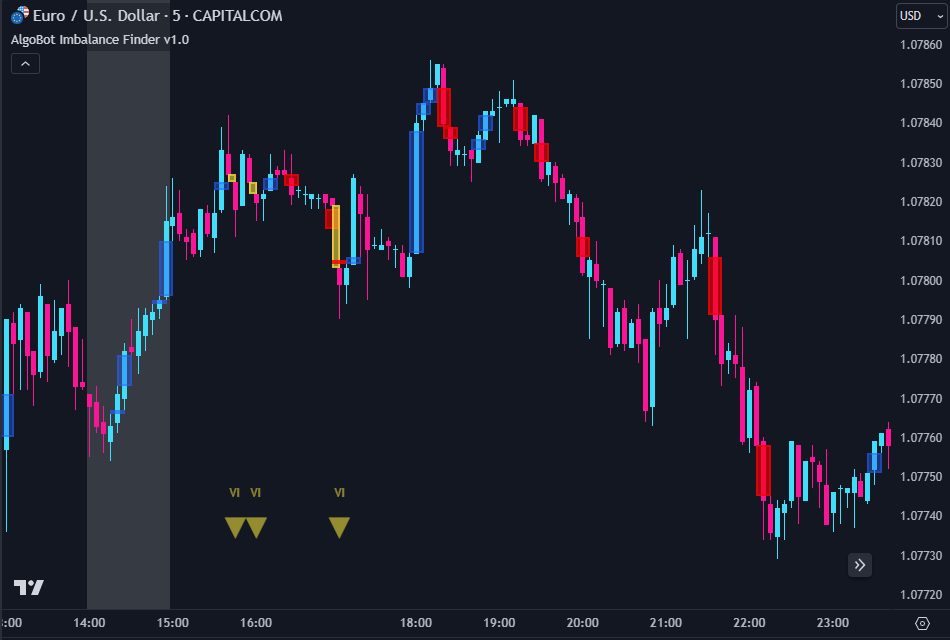
Imagine a technical trader tracking a breakout strategy on BTC/USD using TradingView’s 1-hour chart. Rather than sitting at a desk monitoring candlestick closes, the trader sets up a custom indicator alert configured to fire when price closes above a major consolidation resistance level.
The trader formats the alert message using a structured JSON string containing exact parameter keys: ticker, action (“BUY”), risk allocation (1.5%), stop-loss price, and profit target. The alert condition is set to “Once Per Bar Close” and directed to an automated webhook endpoint.
When the 1-hour bar closes above resistance, TradingView instantly transmits the webhook payload. The execution bridge validates the request, calculates the appropriate contract sizing based on current account balance, and submits the order directly to the exchange within milliseconds—capturing the breakout cleanly without manual entry lag.
Common Mistakes Beginners Make
- Configuring TradingView alerts to trigger “Every Time Price Changes,” causing multiple duplicate orders during volatile candle wicks.
- Failing to validate JSON payload syntax using online formatters before pasting strings into TradingView alert dialog boxes.
- Deploying live TradingView webhooks on high-tier real-money accounts without conducting dry-run tests in a paper trading environment.
- Overlooking parameter mismatches between TradingView symbol tickers and broker-specific instrument naming conventions.
- Neglecting to establish independent platform-level stop-loss overrides to safeguard accounts during unexpected API webhook delivery failures.
How AlgoBot Can Fit Into the Workflow
AlgoBot provides the ideal technical framework for traders leveraging TradingView alerts for automated market execution. By offering pre-built webhook endpoints and built-in syntax translation, AlgoBot seamlessly converts TradingView alert payloads into structured broker orders across forex, crypto, and traditional markets.
Traders can utilize AlgoBot’s dynamic risk management overlay to apply account-level safeguards to incoming TradingView alerts. This ensures that every alert-generated trade automatically enforces conservative position sizing, stop-loss limits, and maximum daily drawdown protections regardless of external indicator parameters.
Whether testing custom Pine Script indicators in demo mode or routing high-frequency strategy alerts to live trading terminals, AlgoBot simplifies the technical pipeline—allowing traders to focus on strategy refinement while automation handles execution precision.
Final Thoughts
How to Use TradingView Alerts for Automated Trading is ultimately about structure. Traders do not need more random opinions; they need clear rules, consistent execution, and risk limits that protect them during bad conditions. Automation can help with that, especially when it is paired with education and realistic expectations.
For users comparing trading tools, the strongest platform is usually the one that makes disciplined behaviour easier: clear signals, sensible risk controls, transparent setup steps, and the ability to pause or adjust when conditions change. That is the standard beginners should use when evaluating AlgoBot or any other automated trading solution.
FAQs
Can TradingView place trades by itself?
TradingView alerts usually need a broker integration, webhook, or third-party connector to place trades automatically.
Should I test alerts before going live?
Yes. Always test alert formatting, duplicate prevention, and order behaviour in a demo or low-risk setting first.
What makes a good TradingView alert?
A good alert is specific, structured, and includes enough information for consistent action.
Educational content only. Trading involves risk, and past or historical performance does not guarantee future results.