
 Share
Share


Automated trading strategies depend on continuous execution. However, running trading algorithms directly from a personal laptop or home desktop introduces operational risks—including internet dropouts, power outages, forced operating system restarts, and high latency. To ensure 24/7 continuous operation, many quantitative traders host their execution terminals on a Forex Virtual Private Server (VPS).
A Forex VPS operates as a dedicated remote server running in a secure data center. It allows trading platforms like MetaTrader 4 (MT4) or MetaTrader 5 (MT5) to run continuously without relying on local home hardware. However, a VPS is an infrastructure tool rather than a profitability guarantee, and deciding whether to deploy one depends on your bot’s specific architecture.
Platforms like AlgoBot help traders evaluate their deployment requirements so they can build reliable execution environments without adding unnecessary technical overhead.
Key Takeaways
- A Forex VPS guarantees 24/7 server uptime, protecting desktop-based Expert Advisors (EAs) from local hardware failures and power cuts.
- Physical proximity between a VPS and your broker’s matching engine reduces execution latency from 100+ ms down to sub-5 ms.
- Local desktop platforms (MT4/MT5) require a VPS for continuous execution, whereas native cloud-based trading bots do not.
- A VPS requires ongoing administrative maintenance, including OS security updates, terminal monitoring, and log checks.
- AlgoBot emphasizes infrastructure simplicity: select your hosting model based on execution frequency rather than stacking unnecessary tech tools.
What Is a Forex VPS and How Does It Work?
A Virtual Private Server (VPS) is a virtualized operating system hosted on a physical server in a high-security data center. In algorithmic trading, a Windows-based VPS acts as a dedicated remote computer that remains powered on and connected to high-speed internet 24 hours a day, 7 days a week.
Instead of executing trade signals locally, you log into the VPS via Remote Desktop Protocol (RDP), install your trading platform (such as MT4, MT5, or cTrader), load your trading bot or Expert Advisor, and start execution. Once running, you can close your personal computer—the VPS continues executing orders independently.
Latency Impact Example:
When executing a scalping algorithm from a home network, network latency to the broker typically ranges between 50 ms and 150 ms. Placing a VPS inside the same data center cluster as your broker’s matching engine cuts network latency down to 1 ms – 5 ms, significantly reducing execution slippage.
Comparing Hosting Models: Local PC vs. Forex VPS vs. Cloud Automation
Understanding where your strategy executes helps determine the right hosting setup for your trading setup:
| Hosting Feature | Local Desktop / Laptop | Dedicated Forex VPS | Native Cloud Webhooks (AlgoBot) |
|---|---|---|---|
| 24/7 Execution | No (PC must stay powered on) | Yes (99.99% server uptime) | Yes (Serverless cloud network) |
| Execution Latency | High (50 ms – 200 ms+) | Ultra-Low (1 ms – 5 ms) | Low (Direct exchange/broker API) |
| Power / ISP Fault Tolerance | Vulnerable to local outages | Protected (Redundant power/net) | Protected (Distributed cloud infrastructure) |
| Target Platform | Manual / Backtesting | MT4 / MT5 / Desktop EAs | TradingView / API Bots / Webhooks |
| Monthly Infrastructure Cost | $0 (Existing hardware) | $15 – $50 / month | Included with cloud service plan |
When Do You Actually Need a Forex VPS?
A VPS is not required for every automated trading setup. Identify whether your trading framework needs dedicated server hosting:
You NEED a Forex VPS if:
- You run client-side trading terminals: MetaTrader 4 and MetaTrader 5 require the desktop terminal software to remain open to process Expert Advisor logic.
- You trade high-frequency or scalping strategies: Algorithms targeting 2–5 pip profit margins require sub-10 ms latency to prevent slippage losses.
- Your local connection is unreliable: Frequent power surges, Wi-Fi drops, or automatic OS updates put open positions at risk.
- You manage multiple trading accounts: Running several MT4/MT5 terminals across various brokers simultaneously requires dedicated CPU and RAM capacity.
You DO NOT NEED a Forex VPS if:
- Your bot is cloud-native: Webhook-based strategies (such as TradingView alerts routed directly to broker APIs) execute on cloud servers automatically.
- You use swing trading or daily timeframes: Strategies holding positions for days or weeks are unaffected by minor latency differences.
- You only execute semi-automated alerts: If you receive automated buy/sell signals on your phone and manually enter positions, a VPS adds unnecessary complexity.
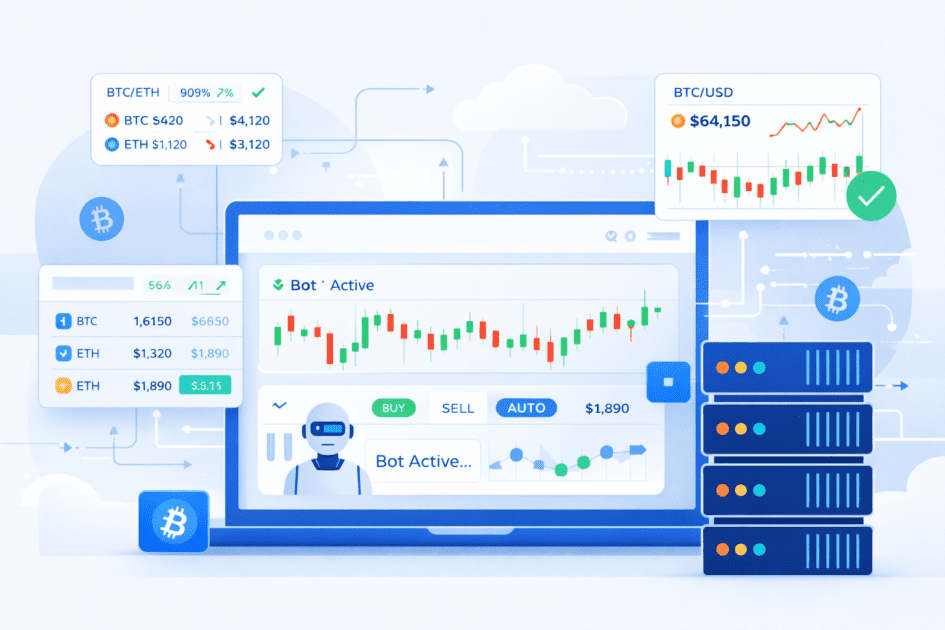
Maintenance Responsibilities: A VPS Is Not “Set and Forget”
While a VPS provides high reliability, it still requires routine maintenance to function properly. Traders managing a remote server should routinely perform these operational checks:
- Monitor Resource Consumption: Check CPU and RAM utilization inside the VPS task manager. Overloaded memory can freeze the terminal during high volatility events.
- Manage OS Updates: Configure Windows Update settings so the VPS does not reboot unannounced while positions are open.
- Verify Terminal Connectivity: Confirm that the MT4/MT5 platform displays a active green connection status to the broker’s server.
- Audit Log Files: Review Expert Advisor journal logs regularly to catch execution errors, context busy warnings, or rejected orders.
How AlgoBot Simplifies Automated Execution
AlgoBot supports flexible deployment across both desktop platforms and cloud infrastructures. If you run legacy MetaTrader Expert Advisors, AlgoBot connects seamlessly within your VPS environment.
Alternatively, if you prefer a streamlined setup without server administration, AlgoBot leverages direct API webhooks to route signals from TradingView straight to your exchange or broker—delivering 24/7 cloud execution without requiring a third-party VPS.
Final Thoughts
A Forex VPS is an effective tool for maintaining 24/7 terminal uptime and minimizing execution latency for desktop-based algorithms. However, it is an infrastructure decision—not a strategy replacement.
Before purchasing remote server hosting, review your bot’s architecture. Avoid unnecessary technical setup when simple cloud execution works, and ensure your deployment prioritizes stable, reliable execution above all else.
FAQs
Can I run multiple MetaTrader terminals on a single Forex VPS?
Yes, provided your VPS has sufficient CPU and RAM resources. A basic 2 vCPU / 4 GB RAM server can comfortably host 2 to 4 MetaTrader terminals simultaneously.
Does using a Forex VPS guarantee my trading bot will be profitable?
No. A VPS only improves server uptime, hardware stability, and network execution speed. It does not turn an unprofitable trading strategy into a winning one.
What hardware specs do I need for an MT4 or MT5 trading bot VPS?
For running 1–2 MetaTrader charts with light EAs, an entry-level VPS with 2 vCPU cores, 2 GB to 4 GB of RAM, and NVMe SSD storage is recommended.
Educational content only. Trading involves risk, and past or historical performance does not guarantee future results.